Building a Personal Diary and a Personal Moments Feed
I’ve been trying to distance myself from WeChat for a long time. On one hand, I really dislike Tencent’s monopoly and walled-garden approach; on the other, it genuinely isn’t secure.
Recently WeChat has been pushing AI, and their own scientists have said outright that user data, Moments posts, and social graphs are Tencent’s moat assets.
Damn. Everyone knows Tencent uses user data—that’s no secret—and good luck winning a privacy lawsuit against “Nanshan Always Wins” in China, but they’re still being blatant about it. I’ve been out of a job since July anyway, and I was already barely using WeChat. Might as well cut ties completely.
Otherwise it’s a nightmare for someone like me, who’s long been in the habit of muting other people’s personal diaries. I’d been on Hexo for years and later moved to Hugo for articles, so over the past few days I extended my Hugo setup and added “Moments” (说说) for quick rants.
Broadly speaking, the things people share fall into a few categories:
- Rants → Moments: a line or a short paragraph, optionally one image. Fast, often shallow.
- Essays → diary-style notes: a passage with some thought, with or without images.
- Experience → knowledge you want to preserve.
- Novel → a personal hobby.
Publishing habits break down roughly like this:
For rants, you want to pull out your phone and post without caring about format.
Same for diary-style notes—you might add images, phone or computer, but mostly phone.
Experience and novels are definitely computer jobs.
But both Hexo and Hugo share a big problem: you need a GitHub push, which is awkward on mobile. Writing your own app makes that relatively simple.
I’ve always liked a feature in Douyin (TikTok): “On this day in history.” It groups photos and pulls together shots from the same calendar day in past years. I love it. No idea why Apple doesn’t ship this. Browsing old photos sometimes brings the past back—maybe I’m just getting old.
With Douyin, for the same reasons as WeChat, I revoked photo access long ago and only grant a few images when posting, so that feature is gone for me.
So I wanted an app for my own needs—and Hetkia (时光) was born.
Features
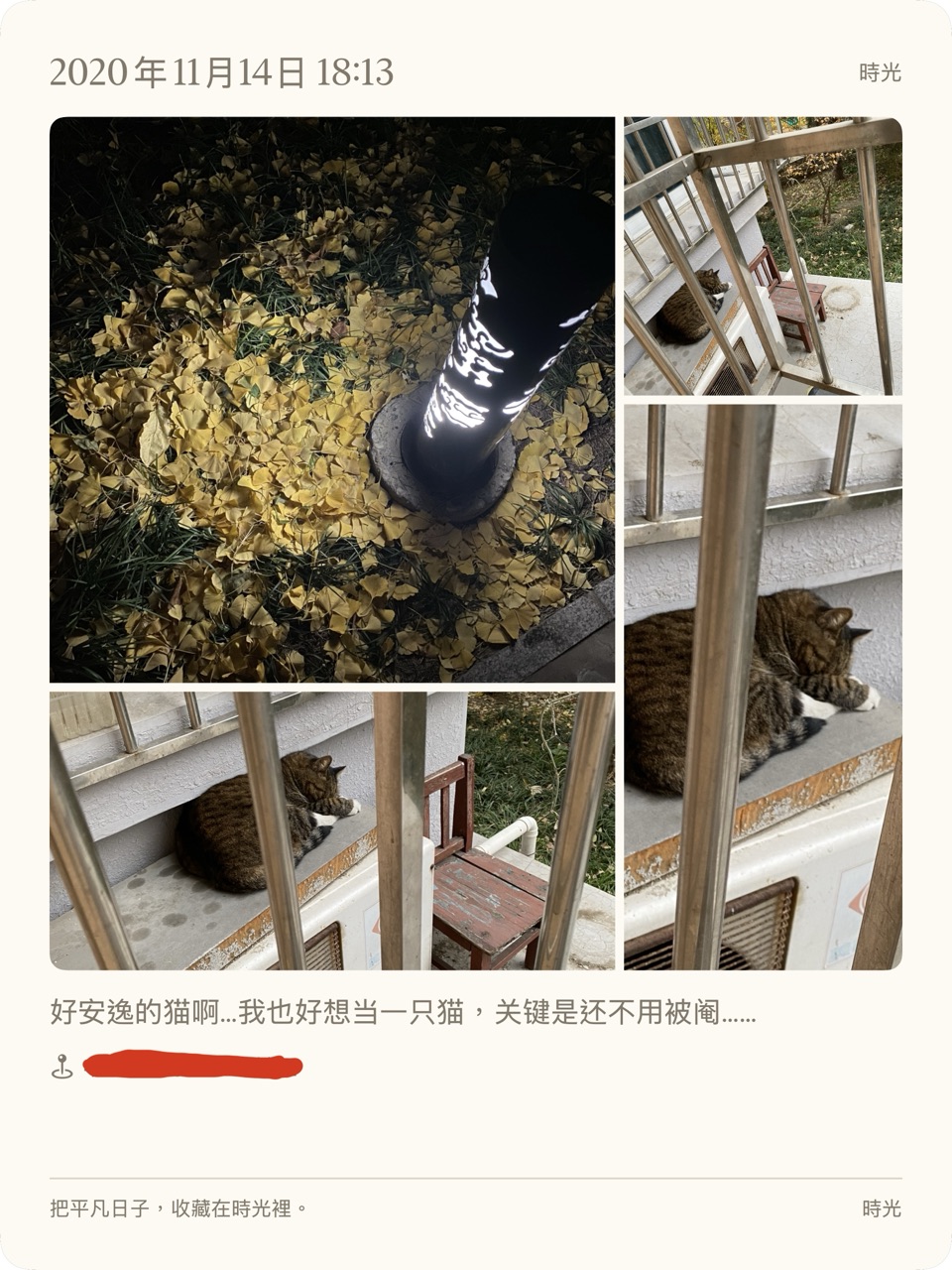
Hetkia is an iPhone app that builds on your photo library for journaling. It collects same-day photos from past years into “time cards” for browsing and local diary writing, and can publish straight to Hugo, Hexo, or similar static blogs (via GitHub Actions or Cloudflare Wrangler).
Local diaries are private—mostly for yourself. You can also render diary cards as images to share selectively with friends.
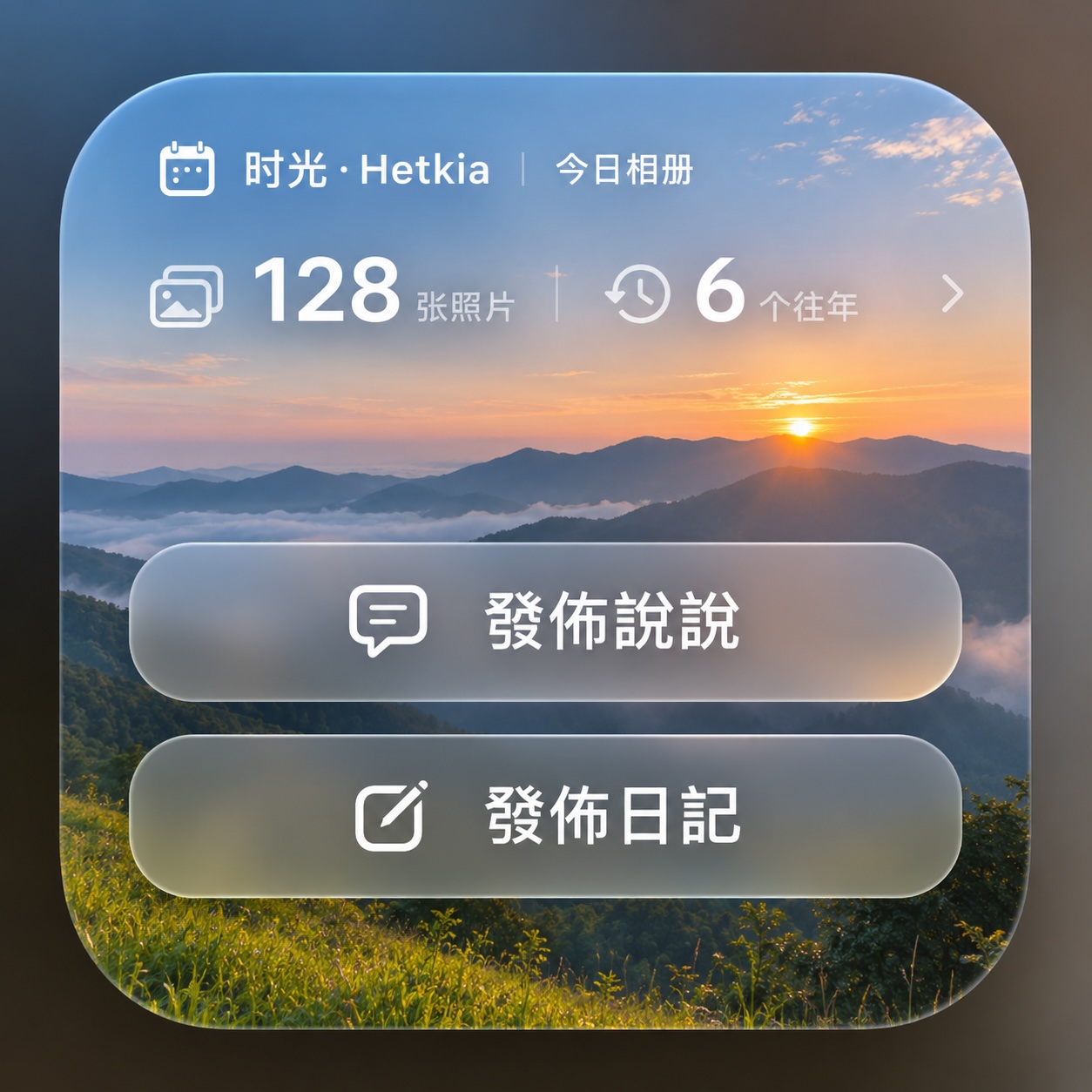
You can also use an iPhone home-screen widget to post a Moment or diary entry to Hugo in one tap, using the GitHub API.
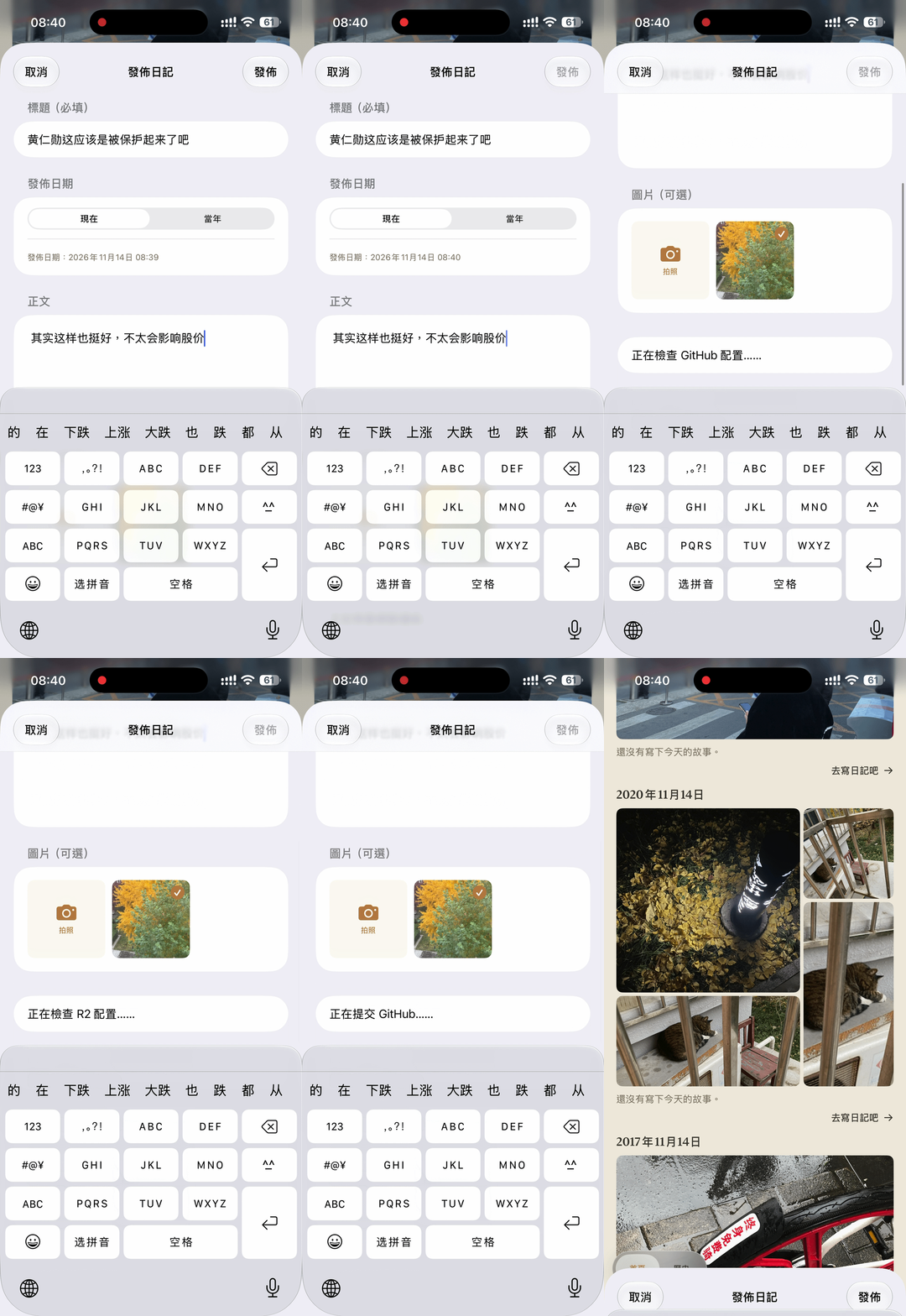
The app fills in the Markdown front matter by default. After you configure GitHub and your Cloudflare R2 image bucket, you just pick photos and write. On send, it uploads images to R2, gets CDN URLs, appends them in Markdown at the bottom of the file, generates the .md, and pushes to your private repo. GitHub Actions or Cloudflare Wrangler sees the push and rebuilds to GitHub Pages or Cloudflare Pages.
From a security standpoint, it layers like this:
- The most private diaries stay on your iPhone. I never planned iCloud sync, so the iPad build is barely tested—mostly layout tweaks like two columns on the home screen.
- Image sharing: pick a few photos from today, stitch them into a nice collage with your caption, export a diary image, send it to someone.
- Pick images plus a short text and publish to your Hugo site.
- Or skip images and publish a pure vent—just blow off steam.
It’s been fun lately, especially recently—hahaha!
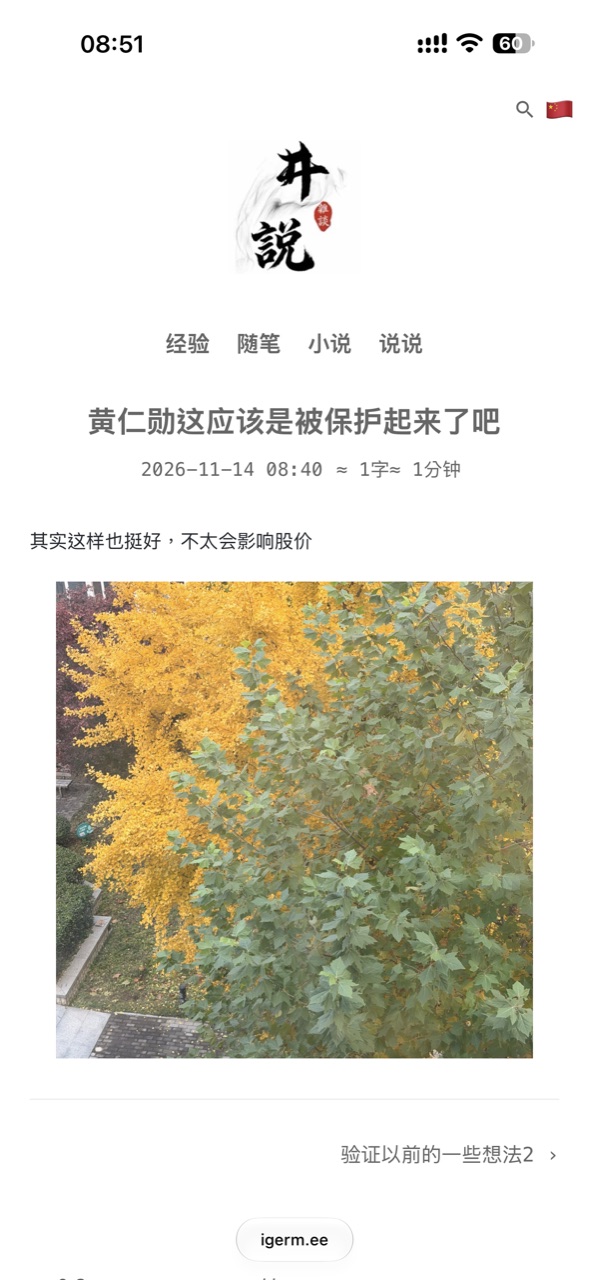
Security
Whether I use GitHub Pages or Cloudflare Pages, the point is information safety. Who knows how badly your data has already leaked—then, purely by chance… well, years ago when I first used Hexo, Baidu Search couldn’t index my site for the longest time. I was puzzled until I learned GitHub had banned Baidu’s crawlers.
Thinking about it in recent years, that’s actually great!
I’m not running Shopify. Getting banned by Baidu is wonderful. I’d rather Baidu, Tencent, Sogou, and the rest stay away. So this time I went with an aggressive security setup.
Block crawlers from Baidu, Tencent, Sogou, 360, ByteDance, and similar. At the same time, block access from server ASNs of Tencent Cloud, Huawei Cloud, and Baidu Cloud. Normal visitors and Google indexing are unaffected.
That way I don’t shut out regular readers, engineers, or hobbyists who want to discuss things, while cutting crawlers that are a security risk and burn my quota—monthly free tiers aren’t huge…
I thought it might be overkill. After I turned on the block rules and checked the logs—holy cow—they really don’t even pretend.
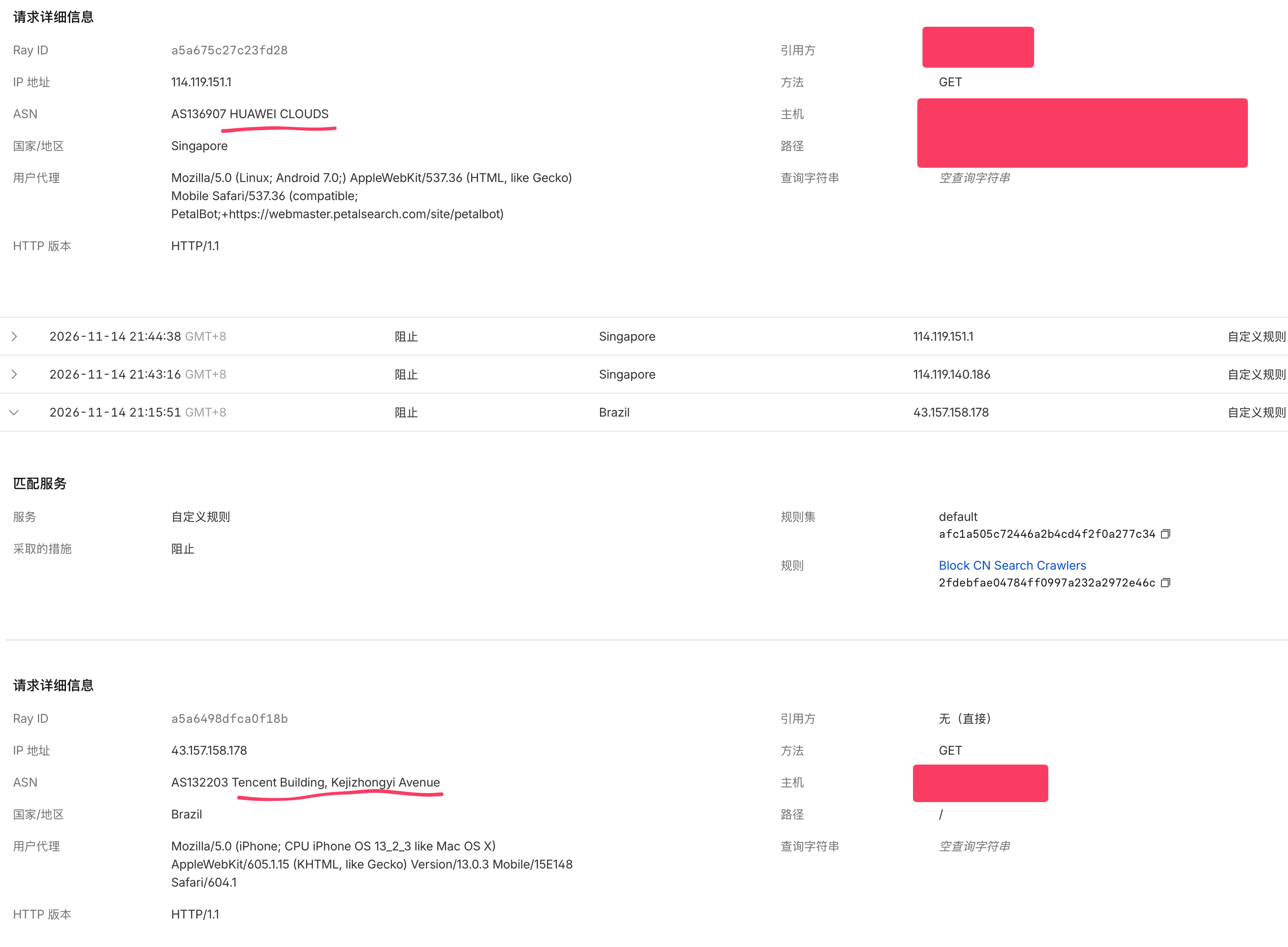
A bit more detail: the first Huawei Cloud IP’s reverse DNS points to petalbot-...petalsearch.com, matching the PetalBot user agent—Huawei’s Petal search bot. The second is funnier. Fine, Huawei crawls openly; at least the UA says “I’m a bot.”
Tencent, on the other hand:
- User-Agent claims iPhone, iOS 13.
- ASN is Tencent’s network.
- No Referer.
- Hits the homepage
/directly.